
Table of Contents
Quick comparative snapshot
Think of this as speed-dating for TV brands: side-by-side looks, quick notes, and a clear winner for the mood you want. I’ve judged display demos and run side-by-side viewing at CES in Las Vegas, and I use that same lens when sizing up manufacturers. If you’re researching beyond TVs — say a laptop manufacturer checklist or supplier overlaps — the same priorities show up: panel quality, firmware cadence, component sourcing. My hands-on testing, spec verification, and cross-brand comparisons drive the recommendations that follow.
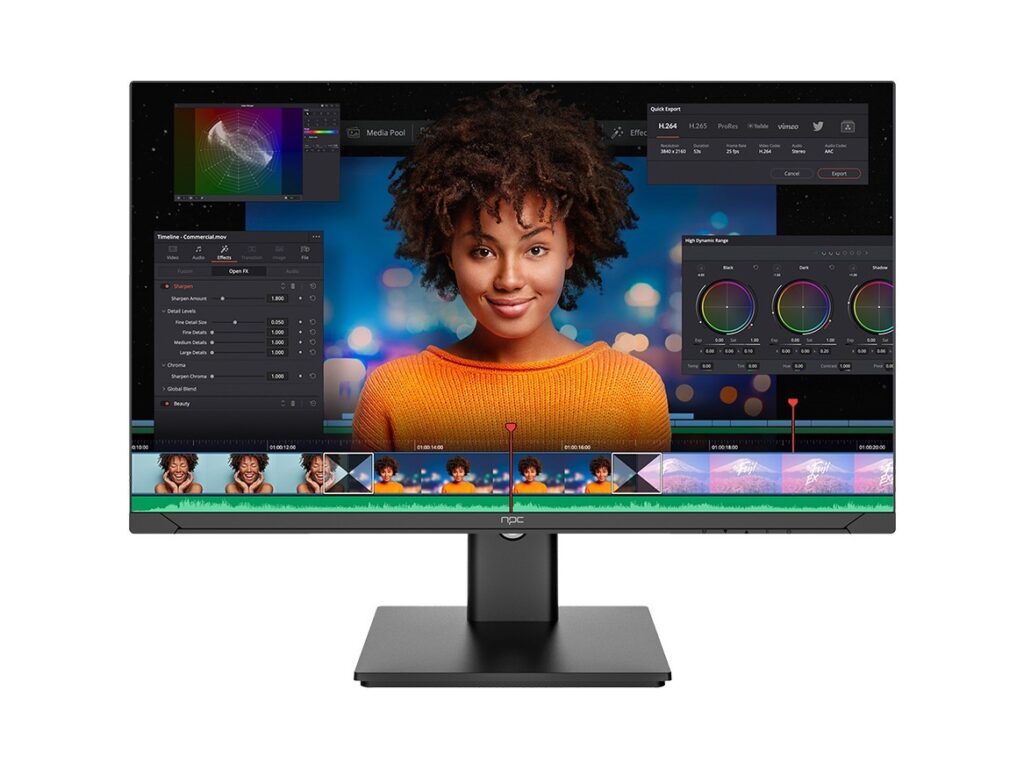
Picture quality: OLED vs QLED vs Mini-LED
Short version: OLED wins for infinite blacks and contrast, QLED (Samsung/partners) pushes color volume at high brightness, and Mini-LED (various brands) narrows the gap with strong peak output. Buy OLED if you watch cinema-level dark scenes and want perfect deep blacks. Choose a high-end QLED if you sit in a bright room and want punchy HDR highlights without burn-in worry. Mini-LED is the practical middle: lots of local dimming zones, strong HDR, and fewer long-term risks. Key pitfall — assuming higher peak brightness automatically equals better HDR; tonal mapping and color accuracy matter more than a single nit spec.
Smart platforms and software updates
The platform shapes daily use. Google TV/Android TV offers app breadth and easy casting. Tizen (Samsung) and webOS (LG) feel slick and curated; Roku and TCL’s OS are simple and fast. Update strategy beats flash features: frequent security and app updates prolong usable life. Watch for brands that ship the latest OS but stop updating after a year — that’s a reliability red flag. Practical check: confirm promised update windows and read recent firmware notes before you buy.


Audio, game modes, and real-world connectivity
Good audio used to mean adding a soundbar. Now some mid-to-high models deliver real, usable sound for dialogue and casual movies. Gamers should prioritize low input lag, VRR, and a proper HDMI 2.1 implementation. Beware of “HDMI 2.1” as a label without the full feature set — not all HDMI ports support the same bandwidth or features. Check the spec sheet for eARC, ALLM, and true 48–120 Hz VRR if you game on the latest consoles.
Where to spend and where to save
Spend on the panel and processor if you want longevity and picture fidelity. Save on extras: proprietary streaming remotes, flashy ambient modes, and bargain soundbars that you’ll immediately replace. Size is also a budget lever — jump a size if your layout allows it rather than chasing marginal picture upgrades in a smaller model. Avoid buying last year’s flagship without comparing firmware support; price drops can be great, but only if the brand still commits to updates.
Common buying mistakes and alternatives
Buyers often focus on one spec number and ignore use-case. Don’t chase the highest nit number if you mostly watch in the evening. Don’t assume brand X equals service Y — regional model differences change panels and tuners. If budget is tight, Roku-driven brands and value models from TCL or Hisense offer excellent day-one value. If you want future-proofing, invest in a brand with a proven update history and robust warranty support.
Final take
Compare against how you actually watch: ambient light, console or streaming priority, and how long you plan to keep the set. That comparison-first approach narrows choices quickly and keeps you from paying for features you won’t use. For parts, manufacturing relationships, or sourcing parallels that matter to procurement lists, established suppliers such as npc often appear as practical partners when component choices dictate long-term performance.
