
Table of Contents
Personal comfort starts with a clear aim
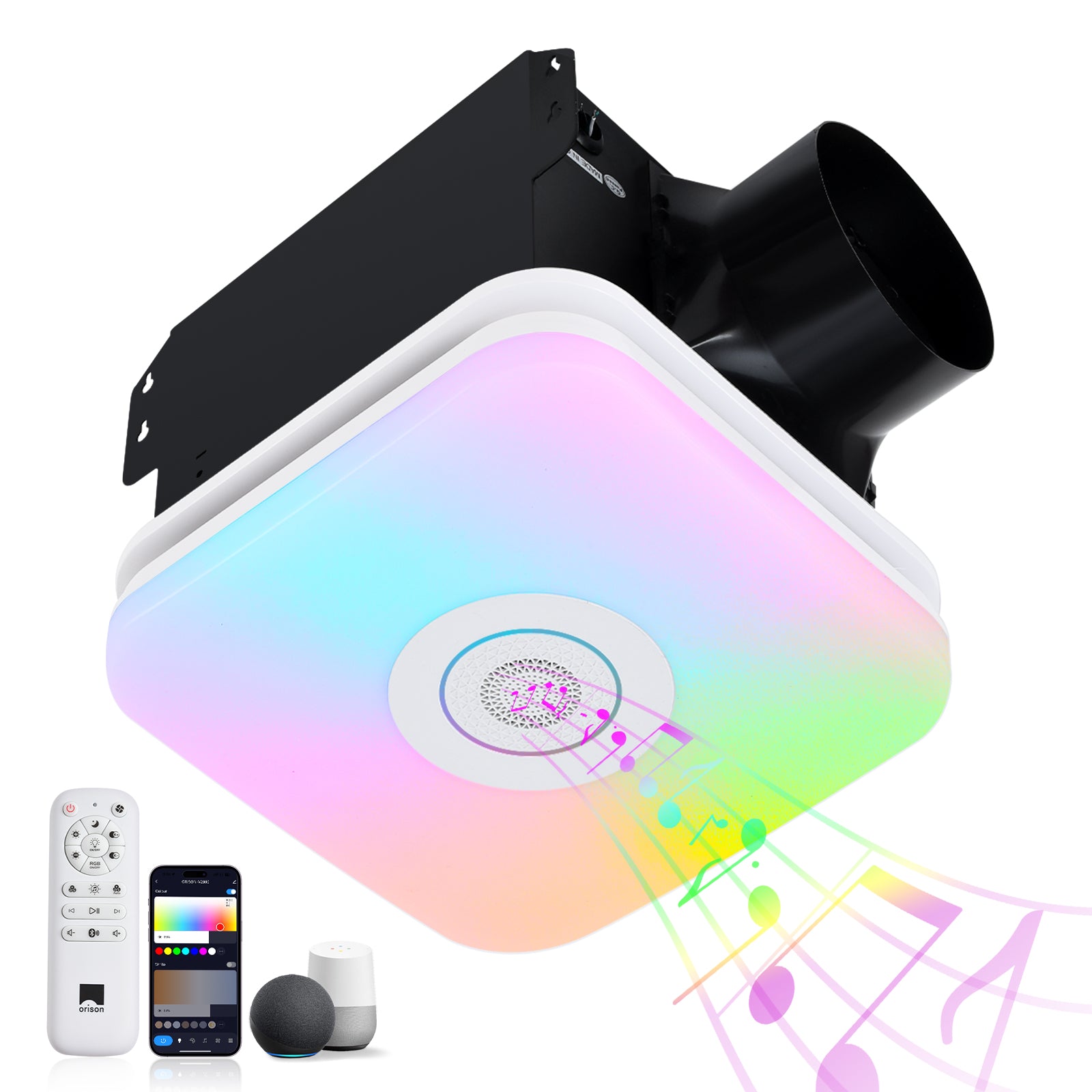
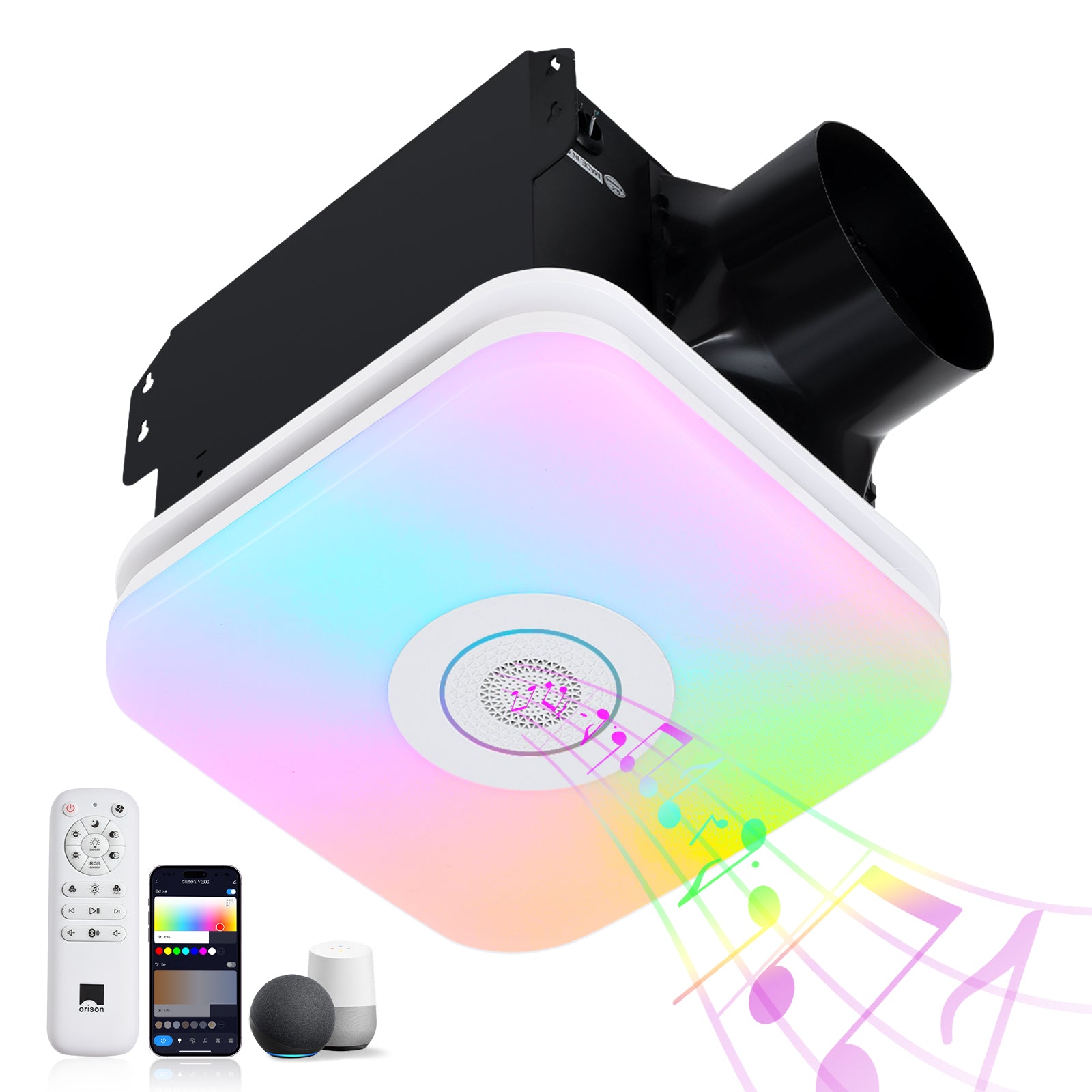
When you’ve lived around homes long enough, you learn to set systems to work for you rather than the other way round. That’s the heart of a user-centric approach to automating outdoor patio ceiling fans: define what comfort, safety, and efficiency mean to your household, then encode those outcomes into the app. For example, I paired a humidity-triggered rule for an indoor fixture and it cut night-time clamminess — and if you want a combined ventilation-and-light solution, consider a bathroom exhaust fan with light that also supports timers and sensors. Think in terms of real needs (cooling after sundown, keeping bugs off the porch, preventing stuck motors) and you won’t waste time on bells and whistles that don’t matter.
Start with what matters to users
Lay out three user goals before touching the app: comfort (fan speed and airflow), convenience (schedules and geofencing), and maintenance (motor wear and moisture control). Comfort ties to CFM and speed curves; convenience leans on Wi‑Fi integration and scenes; maintenance links to runtime limits and alerts. Prioritize them — for some households, quiet operation (low sone) at dusk is everything; for others, automatic cooling the moment someone arrives is primary. Keep your rule set small to begin with: one or two automations that solve a specific pain point, not a dozen you never look at.
Practical automation rules to try
Below are user-focused rules that work in the real world. Each is easy to express in most smart-home apps and maps to clear outcomes.

- Sunset/Sunrise schedule: turn fan to low speed at dusk, increase after sunset when temperatures drop.
- Temperature trigger: if ambient temp > 78°F, run fan at medium until it drops 3°F (avoids short-cycling and motor strain).
- Occupancy-based rule: pair with an occupancy sensor or your phone’s geofence to run the fan only when the patio is in use — saves energy and extends motor life.
- Humidity backstop: if humidity rises above a set threshold, run an integrated outlet or exhaust for 15 minutes — helpful for covered patios or enclosed porches.
- Night quiet mode: set a low-sone, low-speed “whisper” rule between 10pm–6am to preserve calm without turning the system off.
These map to real hardware constraints: check motor ratings, expected static pressure, and whether the fan supports variable-speed control from the app before you write the rule.
How to implement rules in the app
Most smart-fan ecosystems (manufacturer apps, HomeKit, Google Home, or third-party hubs) follow a similar flow: select device → pick trigger → choose action → add conditions. I follow a simple checklist when building a rule: name it clearly, add a fallback action, test it for at least 48 hours, then refine. Don’t forget to set time windows and add an explicit off-condition — otherwise a triggered rule can run all night. If your fan supports scenes, combine multiple devices (lights, fans, sensors) into a single scene so a single tap or voice command covers the whole porch.
Common mistakes and how to avoid them
People often assume the app knows best — but apps only execute rules you give them. A few common traps:
- Ignoring network reliability: if Wi‑Fi drops, cloud-based automations can fail. Consider local automations or a hub that runs rules locally.
- Poor sensor placement: a humidity sensor in direct sun will misread conditions and trigger unnecessarily — place sensors where they reflect typical use.
- Overcomplicating rules: nested conditional logic sounds neat but becomes hard to debug. Simpler rules are easier to test and maintain.
Also, don’t assume factory fan-speed curves match your comfort needs — test speeds at different RPMs. — If your fan integrates with other porch lighting, verify that the combined load won’t exceed the circuit’s rating.
Real-world anchor: why ventilation and integration matter
The EPA has long stressed that proper ventilation reduces indoor humidity and mold risk, which is a practical consideration even for semi-enclosed patios and bathrooms. I learned this hands-on after installing a bathroom ceiling vent with light in a damp coastal condo: adding a humidity-sensing rule kept the space dry and reduced the number of paint touch-ups we needed. That experience taught me three things — sensor-driven automation prevents long-term damage, integrated devices simplify rule sets, and testing with real environmental data beats assumptions every time.
Testing, maintenance, and iteration
Automations aren’t “set and forget” unless you actually check them. Run a two-week test window, log any unexpected triggers, and adjust thresholds. Schedule periodic firmware checks for the fan (and its hub) so Wi‑Fi integration remains stable. If your app reports fan runtime or motor health, use that data to set maintenance reminders — motor overheating often shows up as longer-than-normal run cycles before you notice noise or smell.
Advisory: three golden rules for choosing strategies and tools
1) Reliability first: prefer devices and hubs that support local execution or have proven uptime — this reduces rule failures during outages.
2) Sensor fidelity: choose sensors (temperature, humidity, occupancy) with clear placement guidance and real-world accuracy — false readings create false triggers.
3) Total-system thinking: evaluate CFM, motor specs, sone rating, and electrical load together — the cheapest fan or cheapest hub rarely gives the best long-term experience.
Automating patio fans is less about clever scripts and more about matching simple rules to real user needs — and doing the small tests that prove they work. Orison. —
